Watch without the distractions
Block YouTube Shorts.
Keep your focus.
Intentional YT is a free browser extension for Chrome, Firefox, and Edge that hides YouTube Shorts, home-feed recommendations, and suggested videos. Set a daily watch-time limit while keeping search and subscriptions available.
Free for Chrome, Firefox & Edge on desktop.
 Chrome
 Firefox
 Edge
No account needed. Your settings stay local.

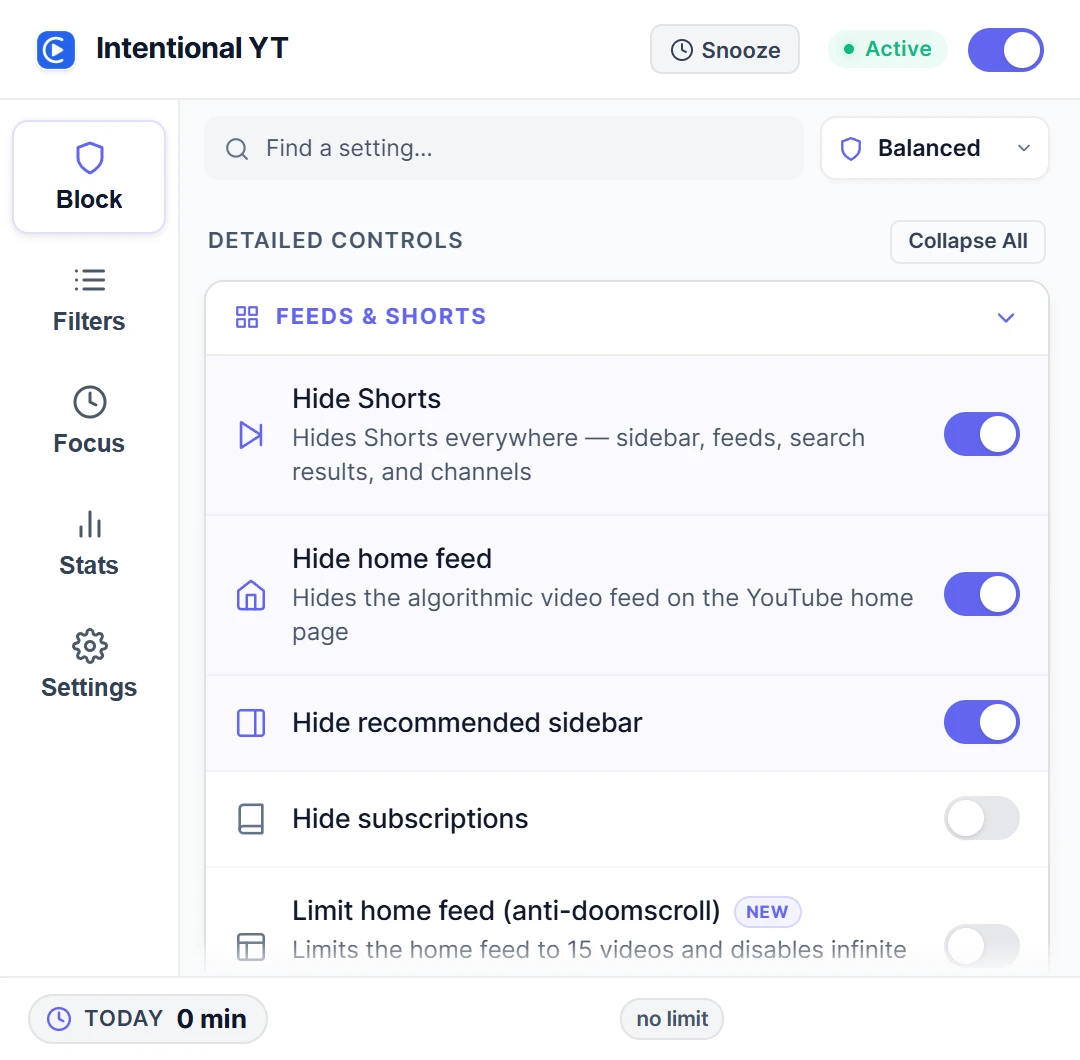
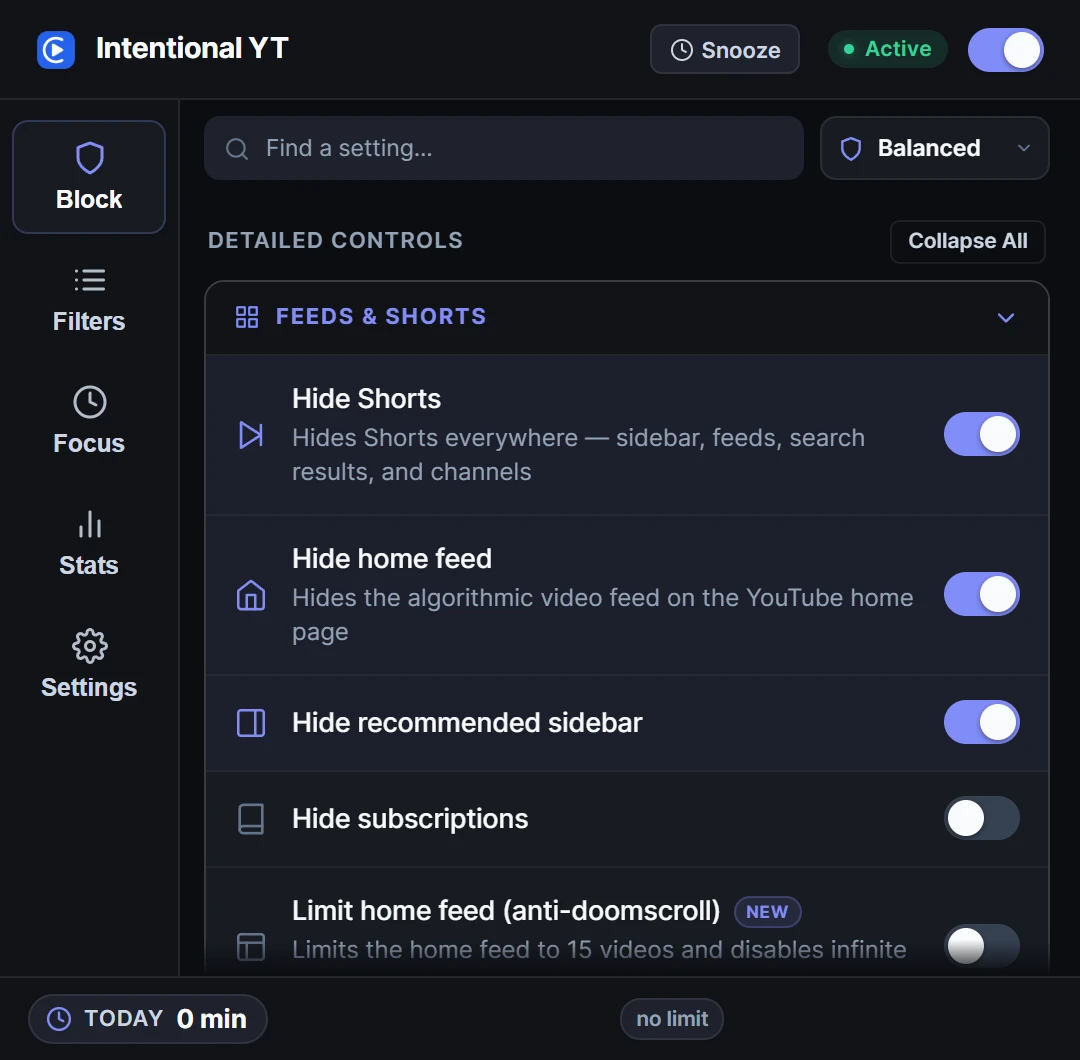
Hide Shorts and recommendations.
Keep the video you chose. Follow the YouTube Shorts and recommendations setup guide to choose what stays visible.
Recommendations and Shorts appear around the video.Illustrated example of the YouTube website.
A few controls that make a difference.
Use the ones you need. Leave the rest alone.
Decide when to call it a day.
Set a daily watch limit and playback pauses when you reach it. The timer counts time spent watching, so leaving a tab open won’t use up your limit.
Enable the daily-limit warning for a heads-up before your budget runs out.
Open full-size screenshot ↗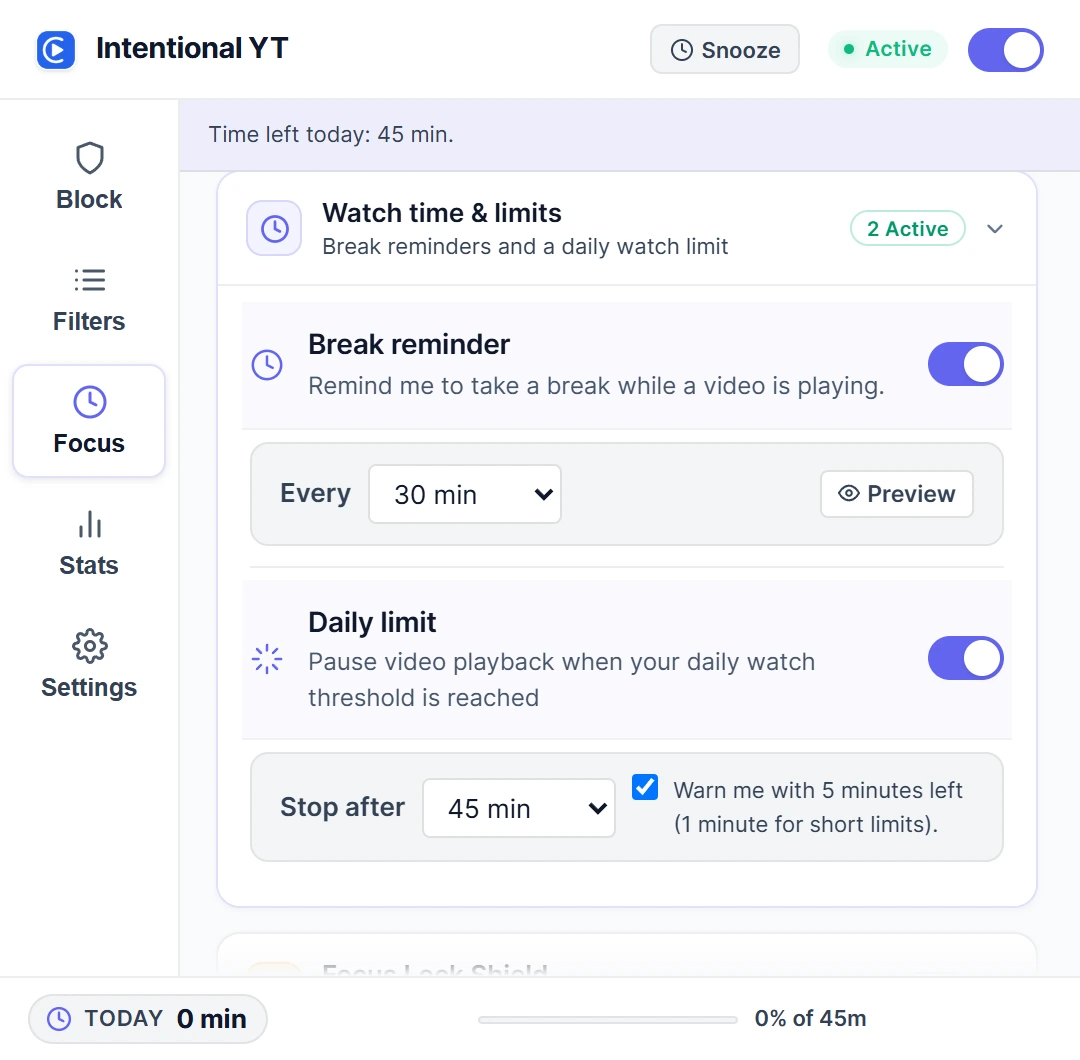
Want to try the controls first?Open the interactive demo. No installation needed.
Set it up once. Adjust it whenever.
- 1
Add the extension
Install it from your browser’s store, then open or reload YouTube.
- 2
Choose what to hide
Open Intentional YT from your toolbar. Start with Shorts or recommendations.
- 3
Watch your video
Search for what you need. You can change your settings at any time.
Your settings stay in your browser.
We don’t collect watch history or send your settings to a server. You don’t need an account.
Need a hand setting up?
All guides ↗DAILY LIMITS
YouTube Time Limit Extension: Setup Guide
Still choosing an extension? Compare Intentional YT, Unhook, and UnTrap.
A few things you might be wondering.
How do I block YouTube Shorts on desktop?
Install Intentional YT for Chrome, Firefox, or Edge, then open or reload YouTube. Open the extension from your toolbar and turn on Hide Shorts. It hides Shorts on supported feeds and pages without blocking ordinary videos.
Can I hide YouTube recommendations but keep subscriptions?
Yes. In Intentional YT, set Home page videos to Hide all and enable Hide suggested videos beside the player. Leave subscription blocking off to keep your subscriptions feed. You can still search for videos directly.
Is Intentional YT free, and do I need an account?
Intentional YT is free to use and does not require an account. Settings, filters, and watch-time counters stay in your browser. The extension includes no usage analytics or tracking beacons.
Will this block normal videos too?
Hide Shorts targets Shorts in supported feeds, search results, channels, and the sidebar. It is designed to keep ordinary videos available; YouTube layout changes can affect filtering. You can also hide the home feed and recommended sidebar while keeping your subscriptions.
What happens when I reach my daily limit?
Playback pauses when you reach the limit you chose. The counter tracks active playback and resets at midnight. Enable the daily-limit warning for a heads-up near your budget. Break reminders are a separate interval-based setting.
Does it work on my phone?
Intentional YT supports Chrome, Firefox, Edge, and compatible desktop browsers. It does not change the YouTube phone app. There is no native iOS or Android app.
Can I change my mind about a setting?
Yes. Open the extension to change a setting or remove a filter. If you turn on Focus Lock, a PIN and cooldown add a delay before protected settings can change. You can still disable or uninstall the extension.
What if something stops working?
YouTube sometimes changes its layout. Check that the extension is enabled and up to date, then reload the page. If a distraction still appears, use the Report an Issue link below to tell us which page and browser you used.

Keep the videos.
Keep your afternoon.
Add Intentional YT, choose what to hide, and get back to your video.
Choose browser